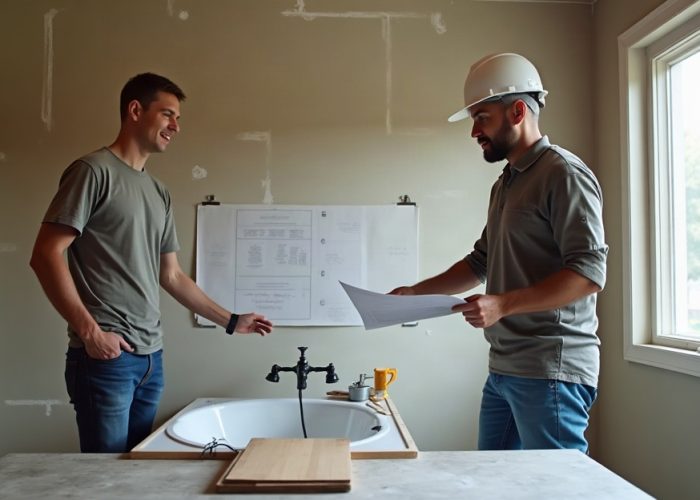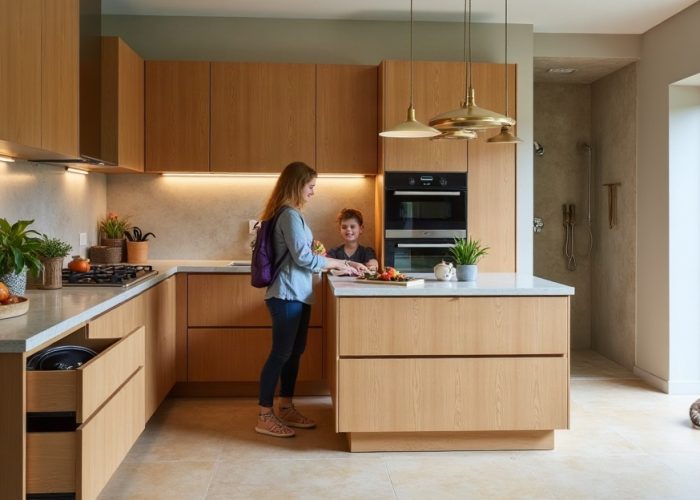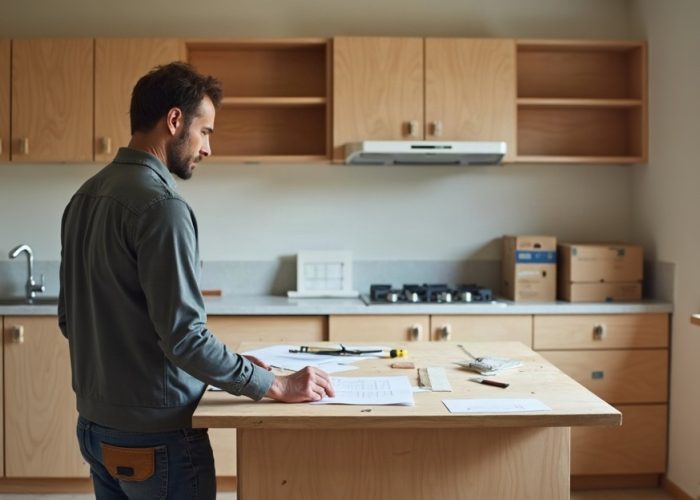
A kitchen design fails quietly. A contractor installs cabinets that don’t align with the refrigerator. Sightlines block the view from the dining area. The island becomes an awkward obstacle. By the time homeowners see the problem, thousands have already been spent and reversal costs thousands more. The gap between how a kitchen looks on paper and how it functions in space is where most renovation projects find their friction.
Kitchen designers and contractors face this tension constantly. A client describes what they want, sketches feel promising, but the real constraints around sight lines, traffic patterns, and appliance placement don’t surface until it’s too late. Decision making becomes reactive instead of informed. The cost of a single miscommunication compounds across material orders, labor hours, and client trust.
This is where 3D design changes the game. Before any material moves, you can see how a layout behaves. You test different configurations, anticipate problems, and communicate decisions with absolute clarity. What was once a leap of faith becomes a tested plan. The productivity gain isn’t just faster approvals. It’s fewer revisions, better client confidence, and designs that actually work.
3D design tools have evolved past the realm of high end tech. Accessible platforms now let any designer or homeowner walk through a kitchen before construction starts. The question isn’t whether to use 3D visualization anymore. It’s how to use it effectively. This guide shows you the approach.
When 2D Layouts Hide Critical Problems
Floor plans are honest, but they’re incomplete. A top down view tells you where things go, but it doesn’t tell you how they feel. Consider a kitchen renovation where the designer places the island 3 feet from the counter. On paper, the clearance looks adequate. Walk through the space, and suddenly that distance feels cramped. People can’t comfortably open cabinet doors. The refrigerator door swings into the path. Sightlines from the dining area are blocked by the island’s height.
For design teams, this limitation drives revision cycles. Clients approve a 2D floor plan, then experience shock when they see the actual scale and proportion. Contractors spend hours discussing the difference between drawn and built. A study of renovation projects shows that over 60% require layout adjustments after construction starts. That’s a sign the initial planning lacked spatial clarity.
A 3D kitchen design visualization solves this by letting you inhabit the space before it exists. You don’t just see dimensions. You see movement. You walk from the sink to the stove. You open drawers and watch them swing. You notice the ceiling height relative to a cabinet row. These observations, impossible in 2D, become the basis for confident decisions. Errors get caught not in the field, but on the screen.


How Visualization Aligns Homeowner Expectations
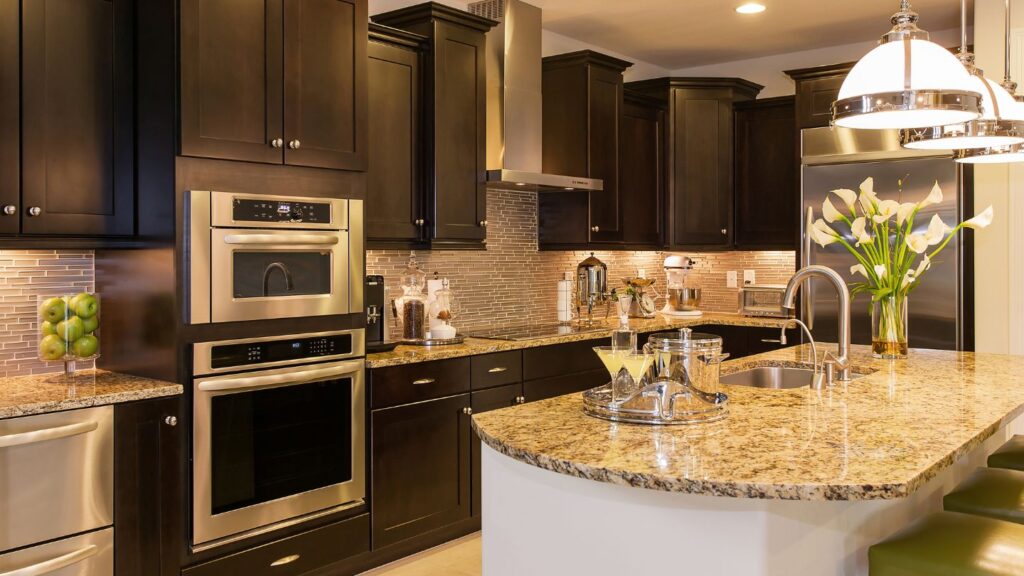
Miscommunication between homeowner and designer is expensive. Clients often describe wishes in vague terms: open and bright, modern but warm, feels big. Designers interpret these through experience. The result? A presentation that clients politely accept but don’t truly envision. During installation, reality diverges from expectation, and trust erodes.
Interactive 3D kitchen interior design transforms this dynamic. Rather than debate abstract concepts, both parties walk through the proposed space together. Does the light from that window reach the cooking area? Can you see the backsplash color from the living room? Is the transition between the old kitchen and new dining space logical? These questions get answered with visual certainty, not speculation.
Designers report that 3D presentations reduce approval time by 40 to 50 percent. Fewer rounds of revision, faster decision making on materials, quicker move to construction. For homeowners, the benefit is peace of mind. Approving a design you’ve virtually walked through feels fundamentally different from approving a line drawing.
The Technical Foundation: What 3D Tools Actually Show
3D kitchen design tools come in layers of complexity. At the basic level, they render scale models with accurate dimensions and material finishes. At the advanced level, they simulate lighting conditions, shadow angles, and how materials reflect at different times of day. They show corner cabinets realistically, not as perfect rectangles, but as actual dovetail joints. They let you adjust finishes, colors, and hardware before committing to purchases.
The most useful tools allow walkthrough navigation. Point and click in a top down view, then transition to first person perspective. Open cabinet doors and drawers. Simulate water flow at the sink. Check sightlines from multiple rooms. Some platforms now incorporate augmented reality, letting homeowners place a virtual kitchen in their actual space using a smartphone, seeing how proportions match their walls and windows.
For designers, the workflow is integrated with specification management. A 3D kitchen design guide approach means your visualization is tied to material databases. When you change a cabinet finish, cost updates automatically. When you adjust layout, appliance connections and electrical requirements stay synchronized. This bidirectional link between design and specification eliminates the manual work that often introduces errors.
Spatial Intelligence: Testing Layouts Without Risk
Every kitchen layout is a series of constraints and trade offs. You want an island for seating and prep surface, but it competes for floor space with traffic patterns. You want natural light and a window above the sink, but that window might not align with plumbing. You want open shelving for display, but closed storage for daily clutter. Traditional design resolves these by rule of thumb or iteration with the client. It’s a slow, uncertain process.
3D visualization lets you test multiple configurations instantly. Slide the island 18 inches toward the wall and see how flow changes. Move the sink to a different wall section. Shift cabinetry height and observe sightlines. Each change updates instantly, revealing how one adjustment cascades through the entire layout. This rapid feedback loop transforms design from static planning into iterative exploration.
For kitchen interior design projects, this capability addresses a core problem: layout decisions made early are hard to unmake. With 3D tools, decisions become testable hypotheses. You compare two configurations side by side, seeing not just dimensions but experience. Contractors benefit too. They walk through the final layout before ordering materials, catching site specific issues that paper plans miss.
Material and Finish Decisions in Context
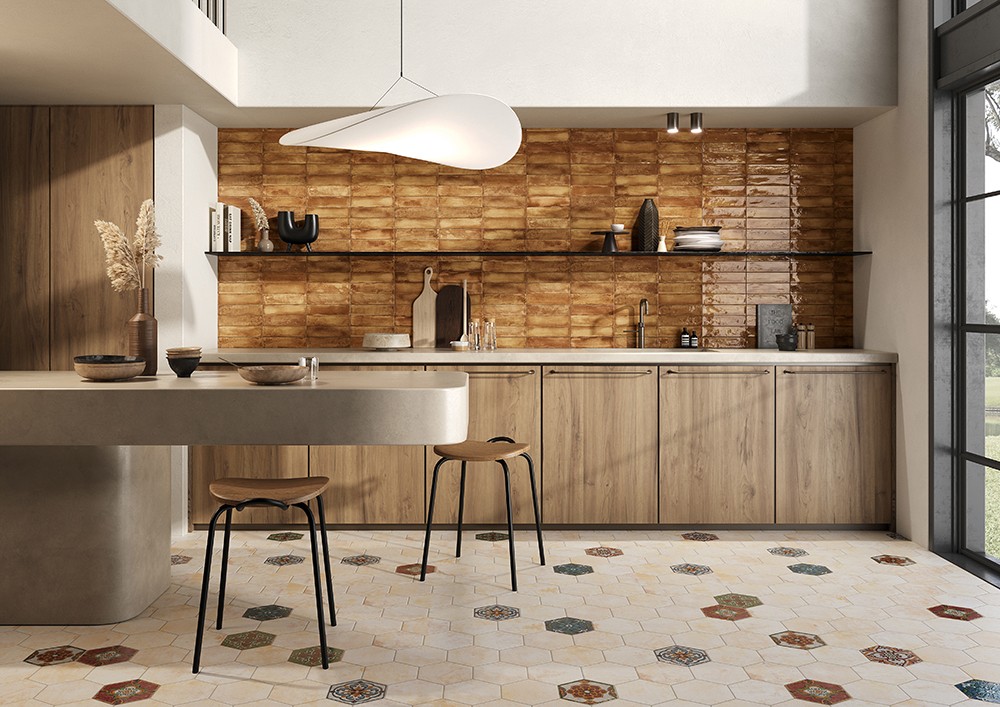
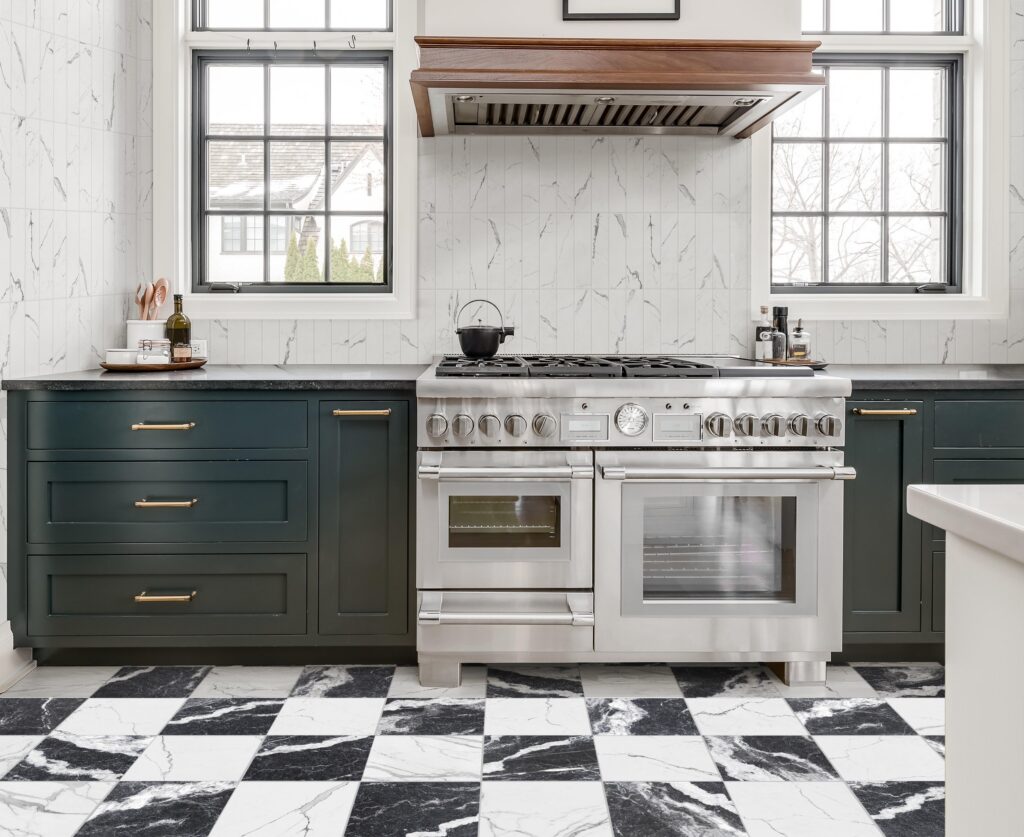
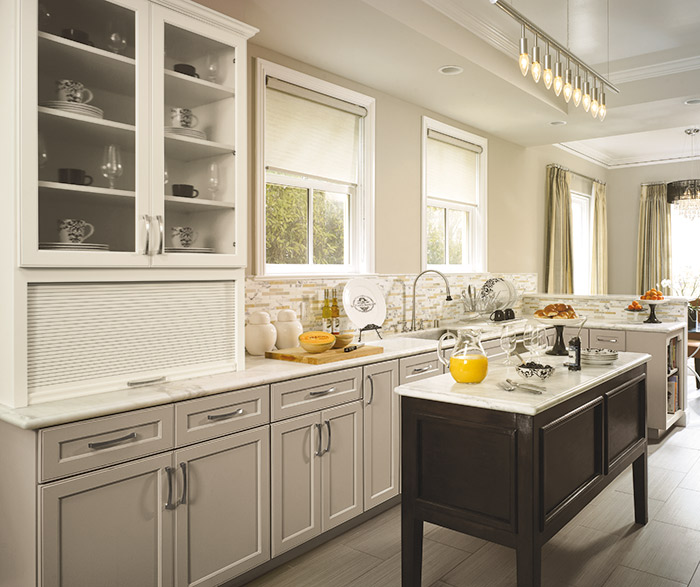
Choosing cabinet finishes and countertop colors from samples is a leap. A white oak face frame in the showroom looks crisp and bright. In your actual kitchen, with its unique lighting and walls, the same oak reads warmer or cooler. Backsplash tile in a magazine feels balanced. In your space, with your cabinet depth and window location, the rhythm shifts.
3D kitchen design platforms eliminate this guessing by showing finishes in situ. Place the same cabinet face in three different lighting scenarios: morning sun, evening shade, artificial lighting. See how the quartz countertop interacts with the wall color you’ve already chosen. Observe whether the backsplash tile pattern feels busy or balanced at actual scale, not reduced in a product photograph.
This contextual decision making accelerates material approval and reduces returns. When a homeowner has seen the white oak in their kitchen’s light, ordered it, and receives it in the wrong tone, the financial and emotional cost is high. A 3D preview prevents this entirely. For suppliers, fewer returns mean better margins. For designers, it strengthens confidence in material recommendations.
Frequently Asked Questions:
Details matter only insofar as they affect decisions. If lighting at 8 a.m. changes how you evaluate cabinet color, include it. If the exact corner curve of a door hinge would alter your layout choice, include it. For approvals and planning, photorealistic rendering helps but isn’t required. Accurate dimensions and material representation are the core needs. Many projects start with a lower detail block model, then increase detail only for sections where decisions are contested.
Upfront, it adds 2 to 4 hours for initial model creation if dimensions are already verified. But it saves 5 to 10 hours of revision cycles because design decisions are made with fewer iterations. For a typical renovation, the net timeline is neutral or faster. The real savings come from fewer construction delays due to clarification requests and fewer material changes mid project.
Yes, and this is critical. Professional platforms allow you to input actual measurements, including asymmetries and deviations. A floor that slopes 1.5 inches over 10 feet, or a wall that’s 2 degrees out of plumb, gets modeled accurately. Contractors especially need this. Discovering these conditions through 3D visualization rather than mid installation saves timeline and cost. Always measure twice; a 3D model is only as reliable as the data it contains.
Key Takeaways
- 2D floor plans don’t reveal how a kitchen feels. 3D visualization fills that gap by showing movement, traffic, and spatial relationships in realistic context.
- Interactive walkthroughs reduce approval cycles by 40 to 50 percent because homeowners and designers share the same vision before construction.
- Testing multiple layout configurations instantly reveals cascade effects: how moving an island changes traffic, sightlines, and workflow.
- Seeing material finishes in actual lighting and spatial context prevents costly returns and ensures client confidence in selections.
- Linking 3D design to specification databases keeps costs, appliance connections, and electrical requirements synchronized as layouts change.
Bringing Planning Into the Present
The renovation projects that work are the ones where designers and homeowners agreed on the space before breaking ground. That agreement used to require intuition, negotiation, and hope. Today it requires a walk through. Using 3D design for kitchen planning isn’t a luxury. It’s the standard that separates projects that delight from projects that compromise.
Whether you’re a designer refining proposals, a contractor verifying buildability, or a homeowner testing ideas, 3D visualization gives you agency. You see potential problems before they’re costly. You test decisions without consequence. You communicate with absolute clarity. The kitchen you approve is the kitchen you build.
Ready to test a new kitchen layout? Start with your current dimensions and one clear design question. Walk through the space. Notice what changes when you adjust one element. That single conversation with a 3D model often reveals more than months of planning with flat drawings.